
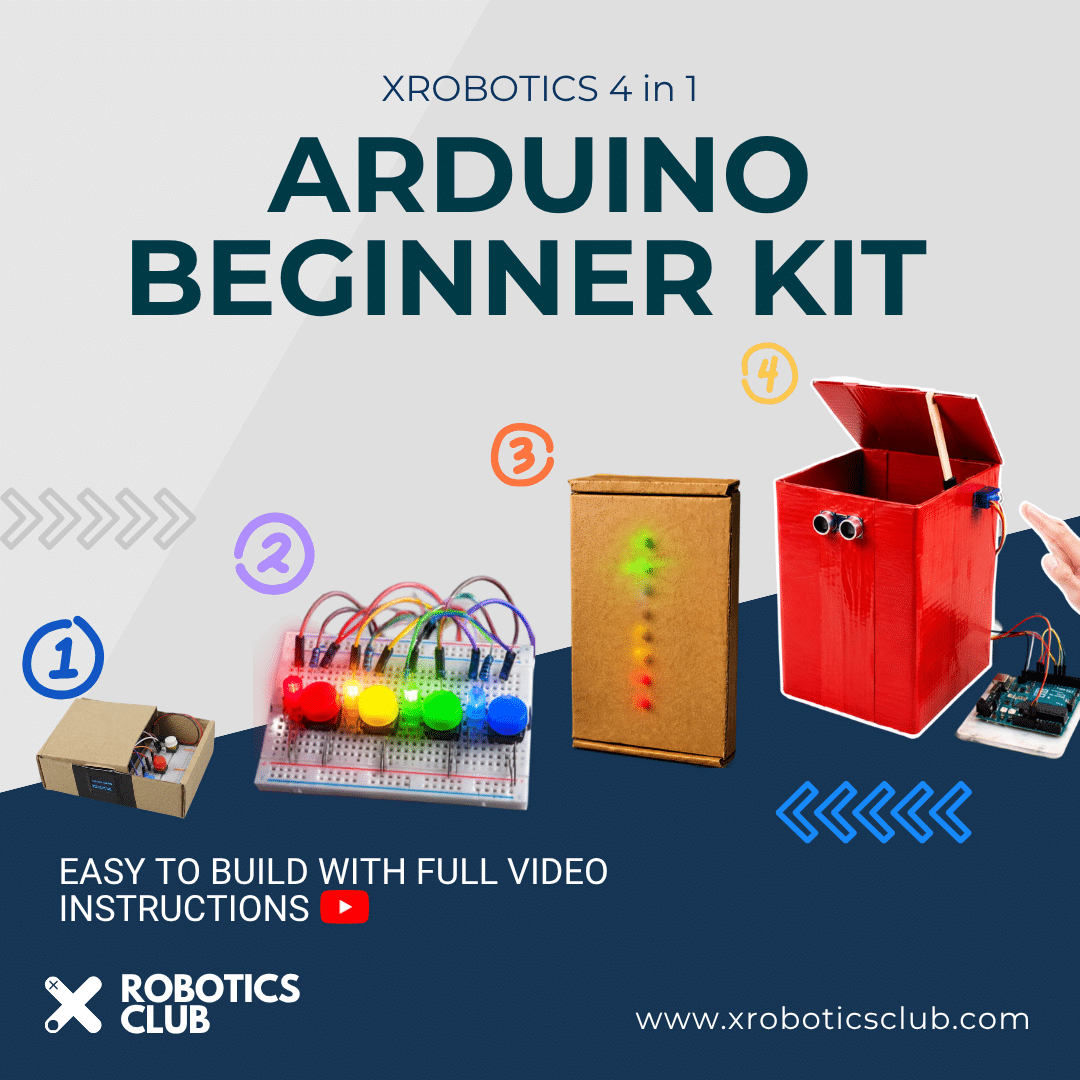
Description
Build. Code. Experiment. Create.
Take the first steps into robotics, electronics and programming with the XRobotics Club Robotics & Electronics Learning Kit — a hands-on learning kit designed to turn learning into real projects.
Instead of simply learning about electronics from a textbook, children can use the components in this kit to build working projects, write their own programs and experiment with sensors, LEDs, buttons, motors and microcontrollers.
The kit has been designed around a collection of beginner-friendly projects developed by XRobotics Club, allowing learners to gradually build their skills as they progress from simple LED and button circuits to interactive games.
What Can You Build?
The components in the kit can be used for a variety of guided projects, including:
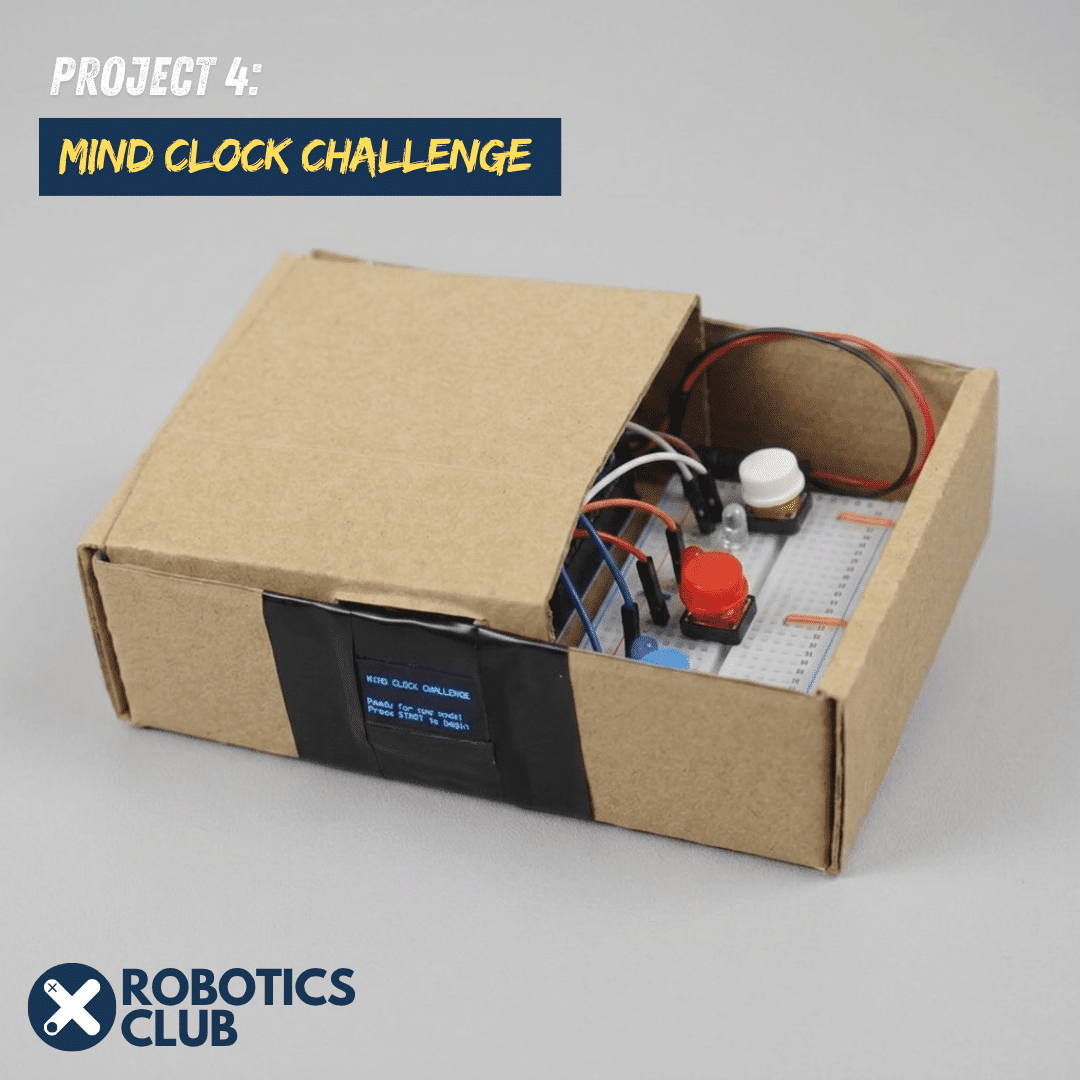
🧠 Mind Clock Challenge – 2-Player Reaction Game
Build an interactive two-player reaction challenge where players compete to test their reaction speed.
Learners will work with:
- Push buttons
- LEDs
- Resistors
- Buzzer
- Arduino
- Programming logic
This project introduces concepts such as digital inputs and outputs, timing, user interaction and programming logic while turning the electronics into a fun competitive game.
Video: https://www.youtube.com/watch?v=98oMGJMzvcs&t=212s
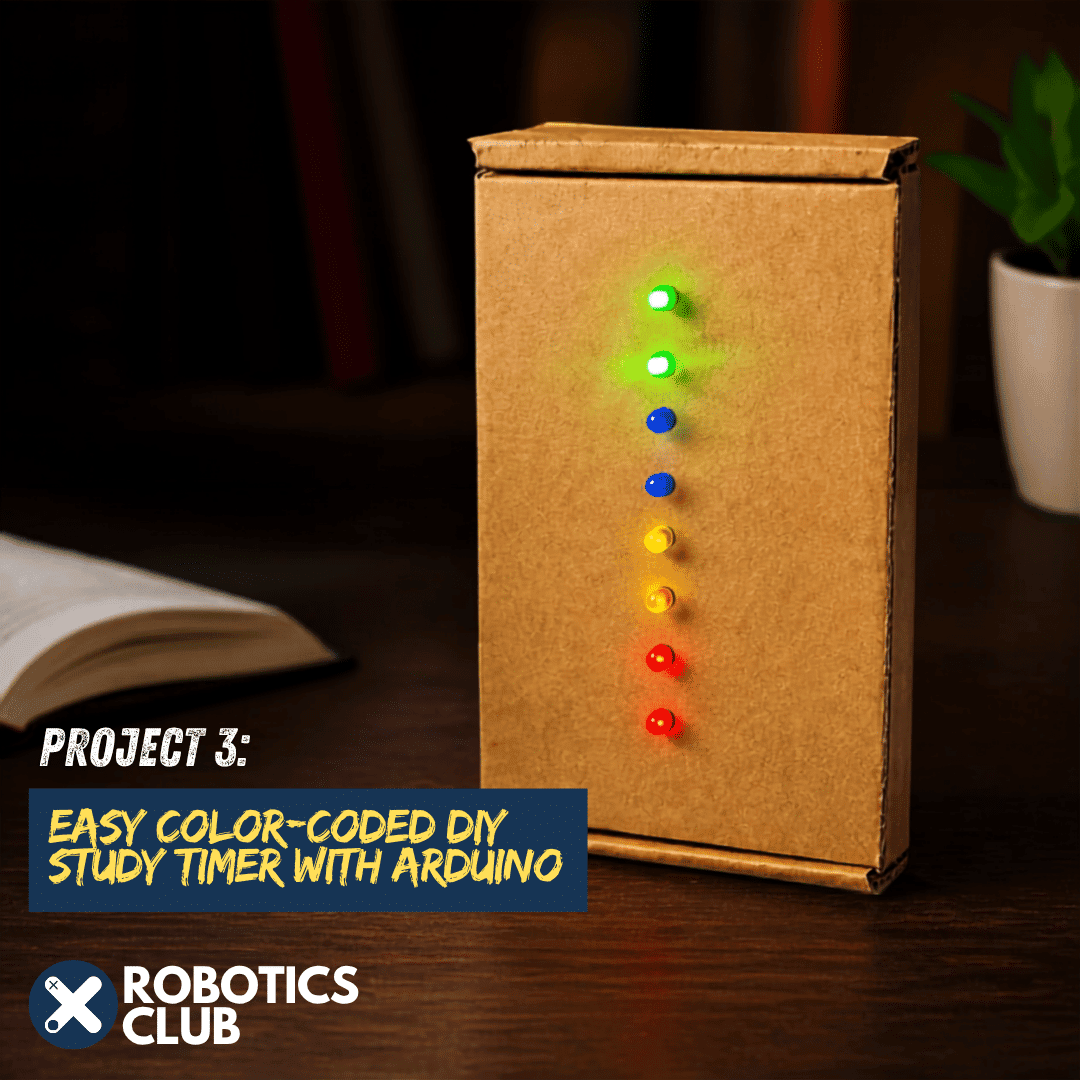
⏱️ Colour-Coded DIY Study Timer
Build a simple visual timer using multiple LEDs and buttons.
The project introduces children to:
- Timing
- Buttons and switches
- LEDs
- Resistors
- Sequential outputs
- Programming with Arduino
The LEDs provide a visual indication of the remaining time, making the project both educational and practical.
Video: https://www.youtube.com/watch?v=UlOpp-IuR_A&t=3s
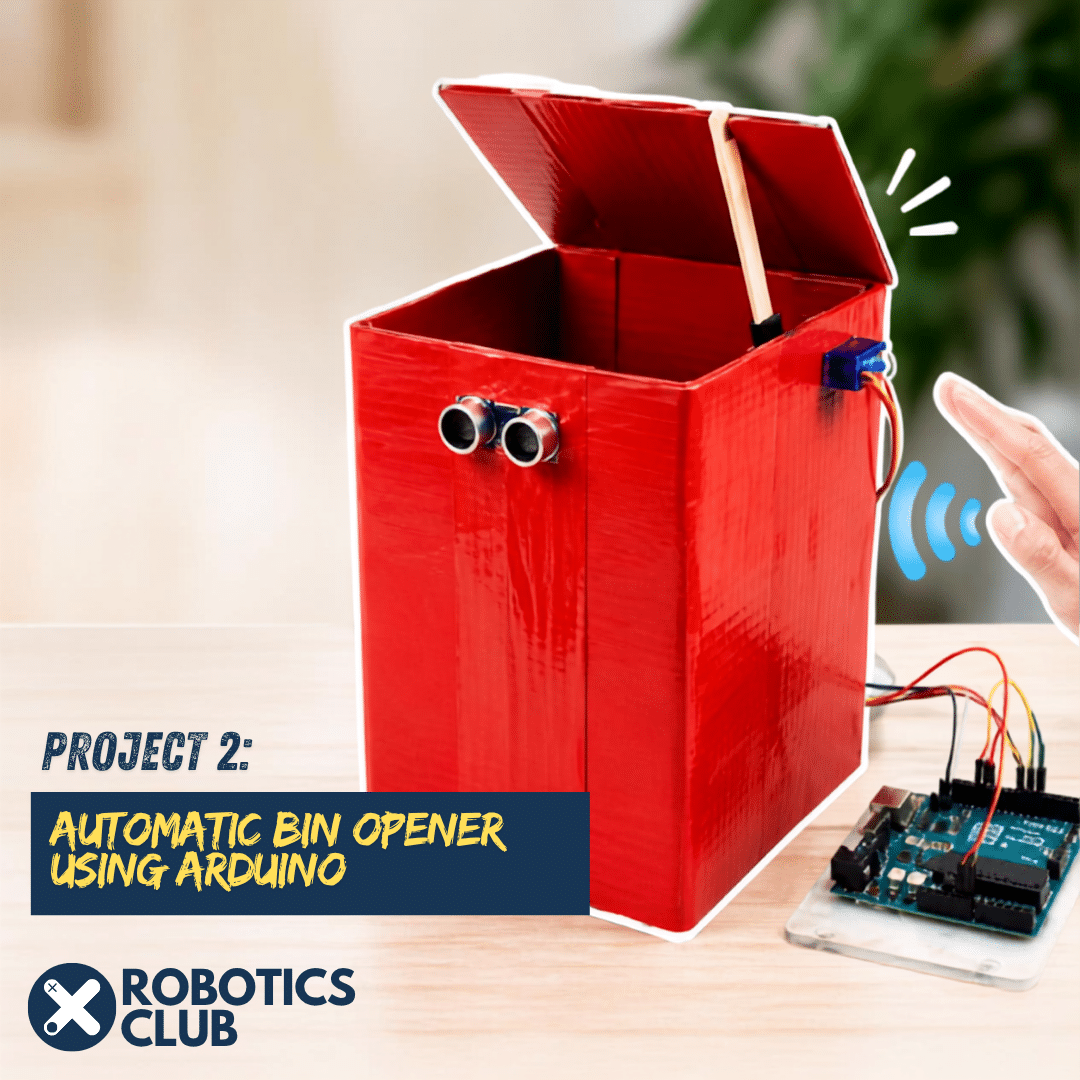
🗑️ Automatic Bin Opener
Take robotics a step further by building an automatic bin opener.
Using an ultrasonic distance sensor and a servo motor, learners can create a system that detects when someone approaches the bin and automatically opens the lid.
This project introduces important robotics concepts including:
- Distance sensing
- Ultrasonic sensors
- Servo motors
- Automated systems
- Conditional programming
- Real-world problem solving
Video: https://www.youtube.com/watch?v=gQDAezLzlwI&t=6s
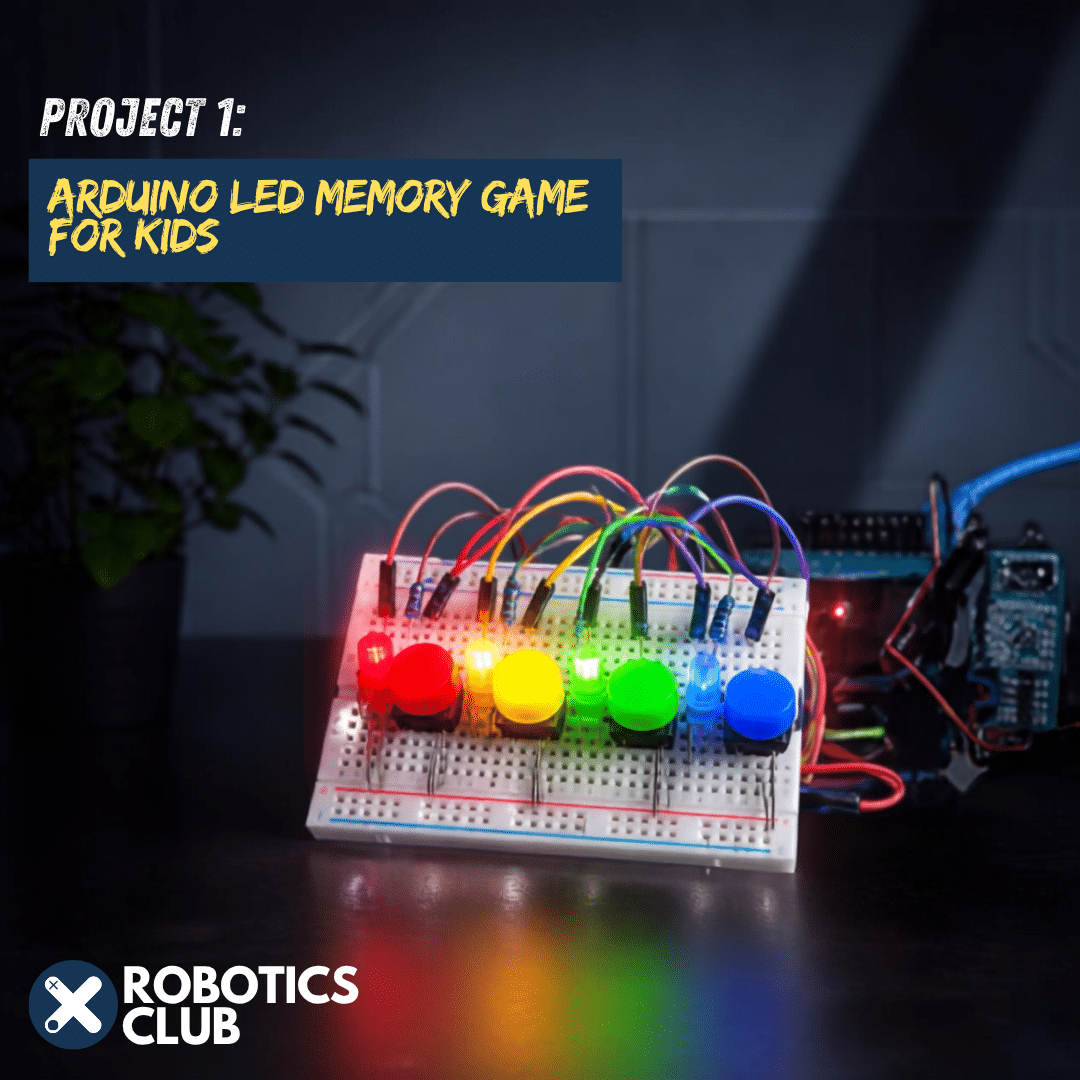
💡 Arduino LED Memory Game
Build your own electronic memory game using LEDs and buttons.
The learner must remember and repeat a sequence of lights, turning the project into an interactive game while learning about:
- LEDs
- Push buttons
- Programming sequences
- Randomisation
- Variables
- Timing
- Game logic
Video: https://www.youtube.com/watch?v=1kKBks5VVYk&t=254s
The goal isn’t simply to follow instructions. As learners become more comfortable with the components, they can start modifying existing projects and eventually create their own inventions.
Component Summary
Microcontrollers
- Arduino Uno
Sensors & Modules
- Ultrasonic distance sensor (HC-SR04)
- Photoresistors / light sensors
Motors & Actuators
- Servo motor
- Buzzer
Display
- 0.96in OLED Display
Electronics
- Assorted LEDs
- Resistor assortment
- Push buttons
Power & Connectivity
- Arduino USB cable
- Battery Connector
Wiring & Prototyping
- Breadboard
- Jumper wires